 listicle
QR Code Landing Page Builder for Small Business
Table of Contents
- QR Code Landing Page Builder for Small Business: What You Need
- Quick Comparison Table
- 1. Scan Globe Now: AI-Powered Design and Built-In Landing Pages
- 2. Hovercode: Dynamic QR with Integrated Landing Pages
- 3. QR TIGER: Feature-Rich QR Code Generator for Small Business
- Static vs. Dynamic QR Codes: Which Works for Your Landing Page
- Business QR Code with Analytics: Measuring Campaign Success
- QR Code Landing Page Examples and Best Practices
- Template 1: Restaurant menu and online order page
- Template 2: Local service lead capture (plumber, salon, landscaper)
- Template 3: Event registration (workshop, tasting, open house)
- Template 4: Retail product and promotion page
- Print testing checklist: catch failures before you print
- Mobile landing page usability and accessibility checklist
- Frequently Asked Questions
Last Updated: October 18, 2026
QR Code Landing Page Builder for Small Business: What You Need
A QR code landing page builder combines dynamic QR codes that redirect to custom landing pages with analytics tracking what happens after a scan.
At Scan Globe Now, we've built the world's first AI-powered QR code designer with a built-in landing page builder, lead forms, and analytics, so small business owners can create campaigns in minutes. Below, we explain dynamic versus static codes, and show how to measure QR campaign performance.
Quick Comparison Table
| Platform | Best For | Key Feature | Landing Page Included |
|---|---|---|---|
| Scan Globe Now | Small businesses needing AI design + landing pages | AI-powered artistic QR codes with zero design skills | Yes, built-in |
| Hovercode | Teams wanting dynamic codes with basic pages | Landing page functionality on Business plan | Yes, Business plan+ |
| QR TIGER | Businesses seeking feature-rich QR management | Broad feature set for business use | Varies by plan |
1. Scan Globe Now: AI-Powered Design and Built-In Landing Pages
Scan Globe Now removes the design barrier: the AI generates branded, artistic QR codes in seconds with no design experience required.
Unlike free QR generators, Scan Globe Now's codes are dynamic: change where they point without reprinting. Update your menu link, event registration URL, or product page while the physical code stays the same.
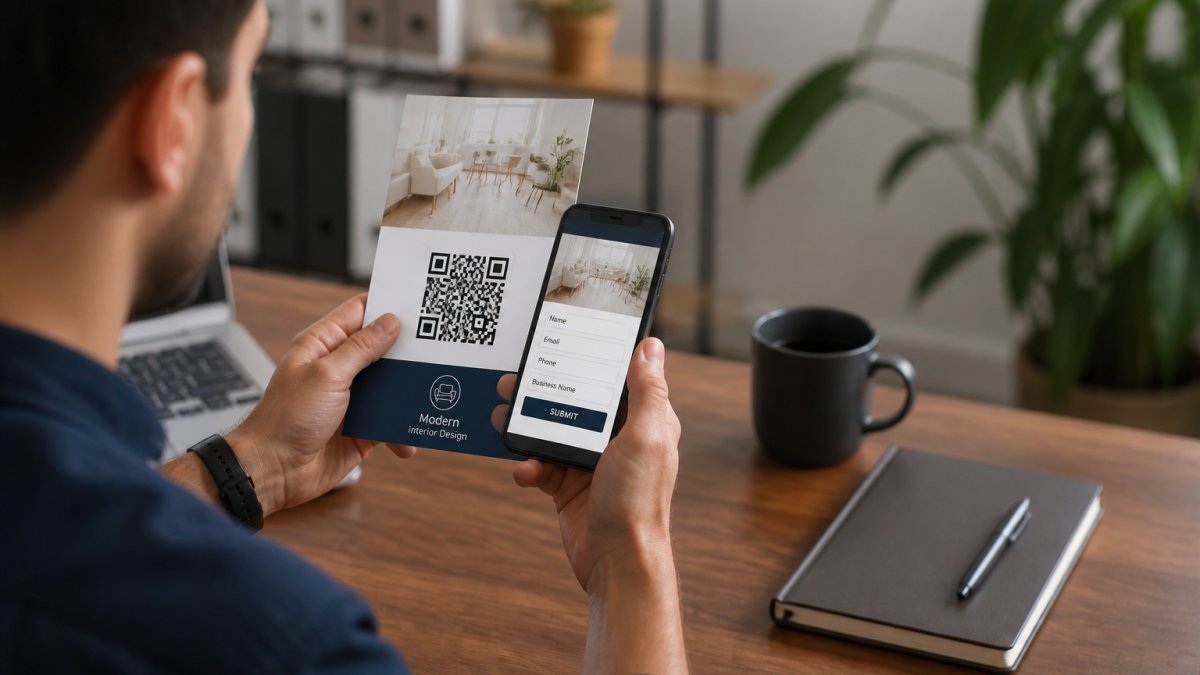
Lead capture forms integrate directly with your landing pages, so customers aren't redirected to a separate form tool, improving completion rates.
2. Hovercode: Dynamic QR with Integrated Landing Pages
Hovercode offers dynamic QR codes with built-in landing page functionality on its Business plan, aimed at teams wanting QR management plus basic page building without switching tools.
Hovercode works well if your team already uses it for QR tracking; the integrated builder handles custom domains, simple layouts, and scan analytics.
The tradeoff: Hovercode's builder is more limited than dedicated tools like Unbounce or Leadpages.
3. QR TIGER: Feature-Rich QR Code Generator for Small Business
QR TIGER is a business-focused QR code platform designed for teams managing multiple campaigns across channels.
Landing page capabilities vary by plan, so verify whether your tier includes built-in pages or requires an external page builder, a critical detail affecting total cost and workflow complexity.
QR TIGER suits businesses prioritizing QR management over design: if you already have landing pages elsewhere and just need reliable codes with solid analytics, it delivers.
Static vs. Dynamic QR Codes: Which Works for Your Landing Page
The choice depends on how often you update campaigns and whether you need analytics. A static QR code encodes a URL directly into the code and cannot be changed once printed.
A dynamic QR code stores a redirect link instead of the final URL, so you control the destination through a dashboard and update it anytime without reprinting, essential for changing URLs, seasonal promotions, event registrations, and A/B testing landing pages.
Dynamic codes also include built-in analytics: how many people scanned, when, on what device, and from where. Static codes provide none of this.
Business QR Code with Analytics: Measuring Campaign Success
Scan counts alone are a vanity metric, a scan only proves someone pointed a phone at your code. What matters is what happened next: did they read the page, fill out the form, call, book, or buy? Here's how to measure the full path.
The three layers of QR campaign measurement
Most QR platforms report only the first layer. A builder that also hosts your landing page can report all three.
- Scan layer, total scans, unique vs. repeat scans, time of day, device type, and approximate location. Useful for judging whether your print placement and creative are working.
- Engagement layer, page views, scroll depth, time on page, button taps, and form starts. This tells you whether the landing page itself is holding attention after the scan.
- Conversion layer, form submissions, phone taps, bookings, coupon redemptions, or purchases attributed to that specific QR code. This is the number that ties back to revenue.
A healthy scan count with a weak conversion rate usually means the code is well placed but the landing page is mismatched, slow, or asking too much. Separating the layers shows which half needs work.
Metrics that actually matter for a small business
- Scan-to-visit rate: scans that actually loaded the page. A gap here points to slow load times or broken redirects.
- Visit-to-lead rate: the percentage of page visitors who submitted a form, called, or booked. This is your landing page's conversion rate.
- Cost per scan vs. cost per lead: if you paid for print or design, divide total campaign cost by leads, not scans, to see real ROI.
How to attribute conversions correctly
Attribution is where most small businesses get stuck. Practical rules:
- Use one code per placement. If the same code appears on a flyer and a table tent, you cannot tell which drove the lead. Create separate codes pointing to the same landing page, or use UTM parameters to separate sources.
- Keep the conversion action on the landing page. If the QR code sends people to a third-party booking tool, you lose visibility into the step between scan and booking. A builder with built-in forms keeps the whole path in one dashboard.
- Set a clear primary conversion per campaign. A restaurant menu page's conversion might be an online order; a service business's might be a call or form. Define it before launch.
A simple weekly review routine
A 15-minute weekly check keeps a campaign healthy:
- Compare scans by code to see which placements are being noticed.
- Check scan-to-visit rate for any code that is getting scans but few page views, that usually means a redirect or load problem.
- Review visit-to-lead rate and note any drop after a page change.
- Pause or reprint the weakest placement and double down on the strongest.
Google Analytics 4 event and conversion setup
QR Code Landing Page Examples and Best Practices
QR code campaigns work best when the landing page is tailored to the code's context and the code is tested before you print 500 of them. Below are four small-business templates with layouts and calls to action, plus print-testing and mobile-usability checklists that prevent common failures.
Template 1: Restaurant menu and online order page
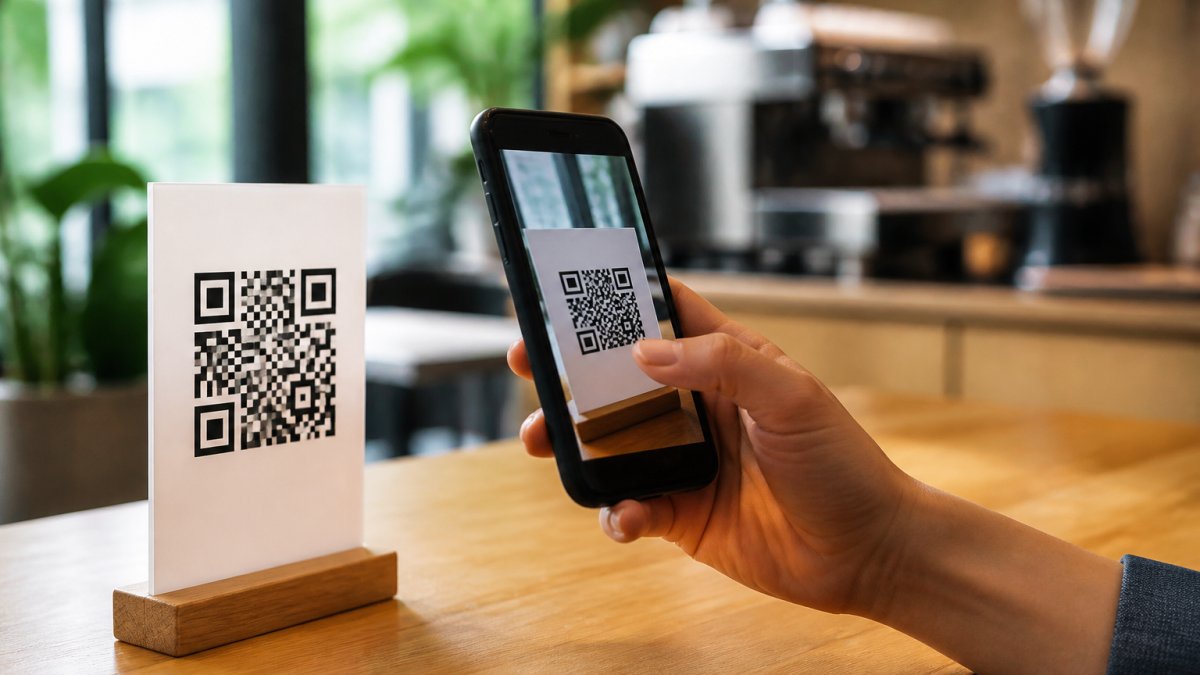
Placement: table tents, window decals, receipts. Page layout (top to bottom):
- Business name and logo, one line of context ("Scan to view our menu and order")
- Menu categories as tappable tabs or anchor links
- 3-5 featured items with photos and prices
Primary conversion: online order or phone tap. What to track: menu views, order button taps, calls.
Template 2: Local service lead capture (plumber, salon, landscaper)
Placement: yard signs, vehicle wraps, door hangers, invoices. Page layout:
- Headline naming the service and area ("Same-day plumbing in [city]")
- Short trust block: years in business, license number, review count
- Simple form: name, phone, one-line description of the job
Primary conversion: form submission or call. What to track: form starts vs. completions, call taps. Keep the form to three fields or fewer.
Template 3: Event registration (workshop, tasting, open house)
Placement: flyers, posters, social posts, partner cross-promotion. Page layout:
- Event name, date, time, and location above the fold
- One-paragraph description and speaker or host line
- Registration form: name, email, party size
Primary conversion: registration. What to track: registrations by placement so you can see whether the flyer or the social post drove more sign-ups.
Template 4: Retail product and promotion page
Placement: shelf tags, packaging, in-store posters, mailers. Page layout:
- Product photo and name
- Price, offer, or coupon code
- Short benefit bullets (3 max)
Primary conversion: purchase or in-store redemption. What to track: coupon redemptions and buy-button taps. If the offer is in-store only, give staff a simple way to log redemptions so the QR code's value is visible.
Print testing checklist: catch failures before you print
Most QR campaign failures happen in print, not online. Run this checklist on a physical proof before a full print run:
- Size: keep the code at least 2 cm × 2 cm (about 0.8 in) for close-range scanning and larger for posters or window decals viewed from a distance. A common rule is roughly 1:10, the code should be about one-tenth the scanning distance.
- Contrast: dark code on a light background. Avoid low-contrast brand colors, and never invert to a light code on a dark background unless tested on multiple phones.
- Quiet zone: leave clear space around the code equal to at least four modules on every side. Logos or text crowding the code cause scan failures.
Mobile landing page usability and accessibility checklist
QR visitors almost always arrive on a phone, often in a hurry. A page that fails any of these will lose the scan:
- Load fast: aim for a page that renders in a few seconds on a mid-range phone over cellular. Compress images and avoid heavy scripts.
- Readable type: body text at least 16 px, strong contrast, and tap targets at least 44 × 44 px.
- One column: no side-by-side layouts that force zooming or horizontal scrolling.
Frequently Asked Questions
How do I create a QR code landing page for my small business?
Use a QR code landing page builder that combines QR generation with built-in landing page templates. Start by selecting a dynamic QR code option (which allows you to change the destination later), then customize your landing page with your business branding, text, and a call-to-action. Most platforms let you upload your logo, adjust colors, and add forms to capture visitor information. Generate the code, test it with your phone, and download it for print or digital use.
Can I track scans from a business QR code with analytics?
Yes. A business QR code with analytics provides real-time scan data including the number of scans, location, device type, and timestamp. This helps you measure campaign performance and understand which marketing materials drive the most engagement. Analytics are typically built into dynamic QR code platforms and let you see which channels or locations perform best, helping you optimize future campaigns.
What's the difference between static and dynamic QR codes for landing pages?
Static QR codes contain fixed information and cannot be changed after creation. Dynamic QR codes point to a URL that you can edit anytime without regenerating the code. For landing pages, dynamic codes are better because you can update the destination, test different pages, or fix broken links without reprinting materials. This flexibility is especially valuable for small businesses running multiple campaigns or testing landing page variations.
What should a small business include on a QR code landing page?
A strong QR code landing page includes a clear headline explaining what the visitor gets, a compelling image or video, a simple call-to-action button, and a lead capture form if applicable. Keep the design mobile-friendly since most QR scans happen on phones. Include your business logo for branding, minimize form fields to reduce friction, and test the page on mobile devices before launching. Fast load times and a single, focused conversion goal work best.
Do I need design skills to create a professional QR code landing page?
No. Modern QR code landing page builders include AI-powered design tools and pre-built templates that require no design experience. You can customize colors, fonts, and layouts by simply selecting options rather than coding or using design software. Platforms like Scan Globe Now are specifically built to help small business owners create professional-looking campaigns in minutes, even without any design background.
Choosing the right QR code landing page builder depends on your priorities: design capability, landing page features, analytics depth, and cost. Scan Globe Now is designed specifically for small business owners who need AI-powered design without the learning curve, built-in landing page functionality, and integrated analytics, all without the complexity of managing multiple tools. Start with a free trial to test the platform against your actual campaigns, then scale as your needs grow.