 ultimate-guide
Dynamic vs Static QR Codes Explained for 2026
Table of Contents
- Dynamic vs Static QR Codes: The Core Difference
- Static QR Codes: Permanent, Free, and Unchangeable
- Dynamic QR Codes: Editable Destinations and Real-Time Changes
- How to Make a QR Code for a Link Without Reprinting
- Dynamic QR Code Analytics: What Scan Tracking Actually Tells You
- Cost, Privacy, and Lock-In: What the Comparison Tables Miss
- Which One Should You Pick? A Scenario-Based Decision Framework
- Conclusion: Match the Code to the Campaign
- Frequently Asked Questions
Last Updated: October 10, 2026
Dynamic vs Static QR Codes: The Core Difference
In the dynamic vs static qr codes debate, a static QR code has its destination permanently encoded into the pattern itself, while a dynamic QR code points to a short redirect URL that you can edit at any time.
Here is the short answer. If the destination will never change, a static code is fine. If the destination might change, or if you want to know who scanned and when, you need a dynamic QR code.
The distinction matters more in 2026 than it did a few years ago. QR codes are now printed on menus, property signs, packaging, and event badges, and reprinting physical materials is expensive.
Below, we break down how each type works, where each one wins, and how to decide in under a minute.
How each code stores and routes data
A static QR code stores the destination URL, text, phone number, or email address directly inside the QR code pattern. The phone's camera reads the pattern, decodes the data, and acts on it. No server sits in the middle.
A dynamic QR code stores only a short redirect URL in the pattern. When someone scans, that short URL hits a redirect server, which forwards the browser to the final destination URL you set in your dashboard.
That redirect layer is the whole trick. It is also the source of every trade-off we cover below.
Static QR Codes: Permanent, Free, and Unchangeable
Static QR codes are permanent, cost nothing to generate, and cannot be edited after printing. The encoded data lives inside the pattern, so there is no subscription, no account, and no expiration date.
The upside is durability. A static code printed on a product label in 2026 will still work in 2036, regardless of whether the original generator still exists. For permanent information like contact details, a fixed website address, or a phone number, that permanence is exactly what you want.
The downside is equally permanent. If your landing page URL changes, that printed code becomes a dead end. You reprint, or you lose the traffic.
Where static codes work best
Static codes fit situations where the destination is fixed and the volume is low.
- Business cards and email signatures with contact information
- Product packaging that links to a permanent manual or support page
- One-off promotions where the landing page will stay live indefinitely
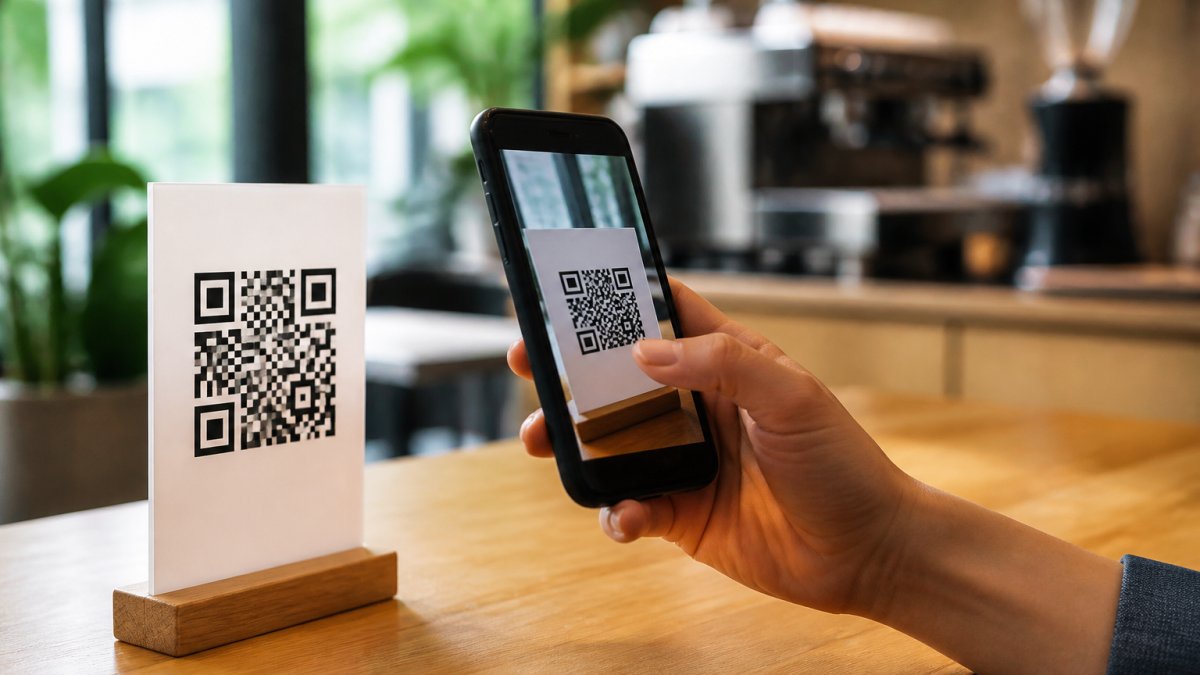
- Restaurant table tents linking to a never-changing menu PDF
- Event signage pointing to a stable venue page
A useful rule: if you would be comfortable with that link being frozen for five years, a static code is safe. If the thought makes you nervous, keep reading.
Dynamic QR Codes: Editable Destinations and Real-Time Changes
Dynamic QR codes let you change the destination URL after the code is printed, and they track every scan. You generate the code once, print it once, and update the destination from a dashboard whenever you need to.
This is where the flexibility argument becomes concrete. A marketer can run a seasonal promotion on a single printed poster and swap the landing page four times without touching the printer.
The trade-off is dependence. A dynamic code only works as long as the redirect server is running. If your provider shuts down or you stop paying, the code stops resolving.
The redirect server behind every dynamic code
Every dynamic QR code depends on a redirect server that receives the scan, logs it, and forwards the visitor to your final URL. That server is what makes editing possible, and it is also what makes analytics possible.
The redirect happens in milliseconds, so the user experience is identical to a static scan. What differs is everything happening behind the scenes: the server records the timestamp, device type, approximate location, and scan count before sending the visitor onward.
Because the redirect server is the single point of failure, the provider you choose matters more than the code design.
How to Make a QR Code for a Link Without Reprinting
To make a QR code for a link that you can change later without reprinting, generate a dynamic code and point it at the final URL you want today.
Here is the practical workflow:
- Choose a dynamic QR code generator and create an account.
- Paste the destination URL you want to use right now.
- Customize the code with your brand colors and a logo if you want a designed, on-brand look.
- Download the code as a high-resolution file, ideally SVG or a large PNG for print.
- Test the scan on at least three phones before you send it to print.
- Print the code on your material.
- When the destination changes, log in and update the URL. The printed code keeps working.
The critical step most people skip is number five. A code that scans on your phone but fails on older Android devices or in low light is a code that wastes your print run. Test before you commit.
Dynamic QR Code Analytics: What Scan Tracking Actually Tells You
Dynamic QR code analytics tell you how many times a code was scanned, when scans happened, roughly where they came from, and what device was used. Static codes tell you none of this, because there is no server in the middle to record the event.
What does that data actually change? Quite a lot, if you use it.
- Scan count shows whether a printed placement is earning attention or being ignored.
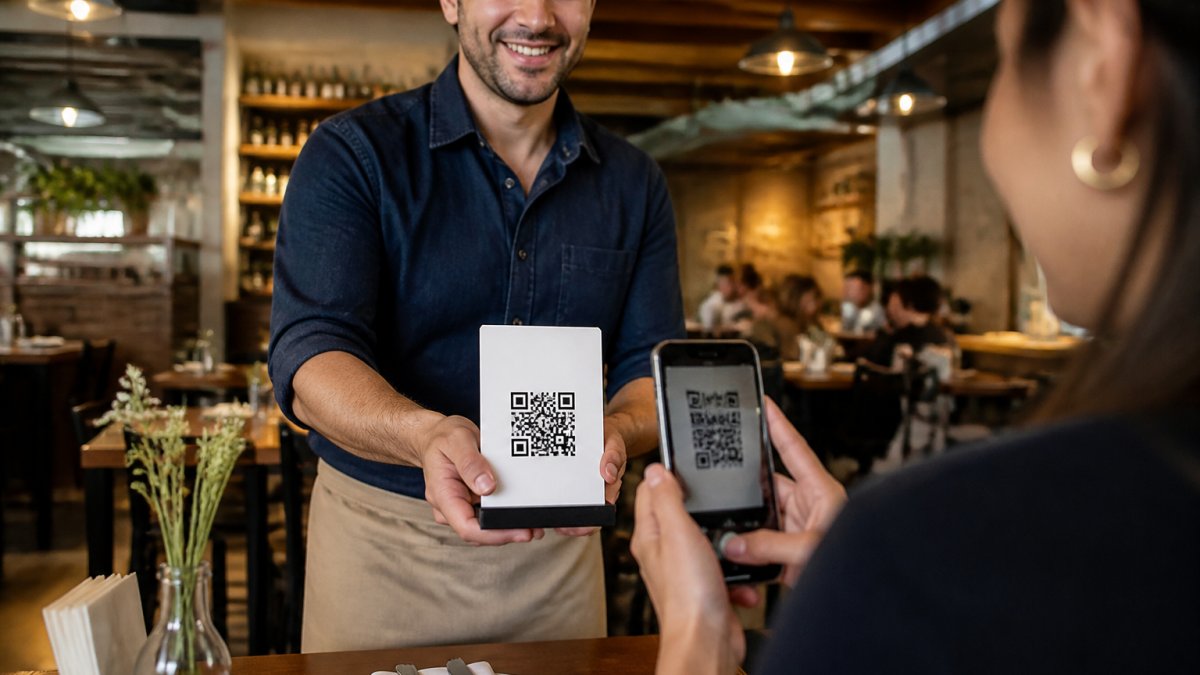
- Time-of-day data tells a restaurant whether its lunch code or dinner code gets more traffic.
- Location data reveals which storefront, flyer batch, or neighborhood drives the most scans.
- Device data helps you decide whether to optimize your landing page for mobile or desktop.
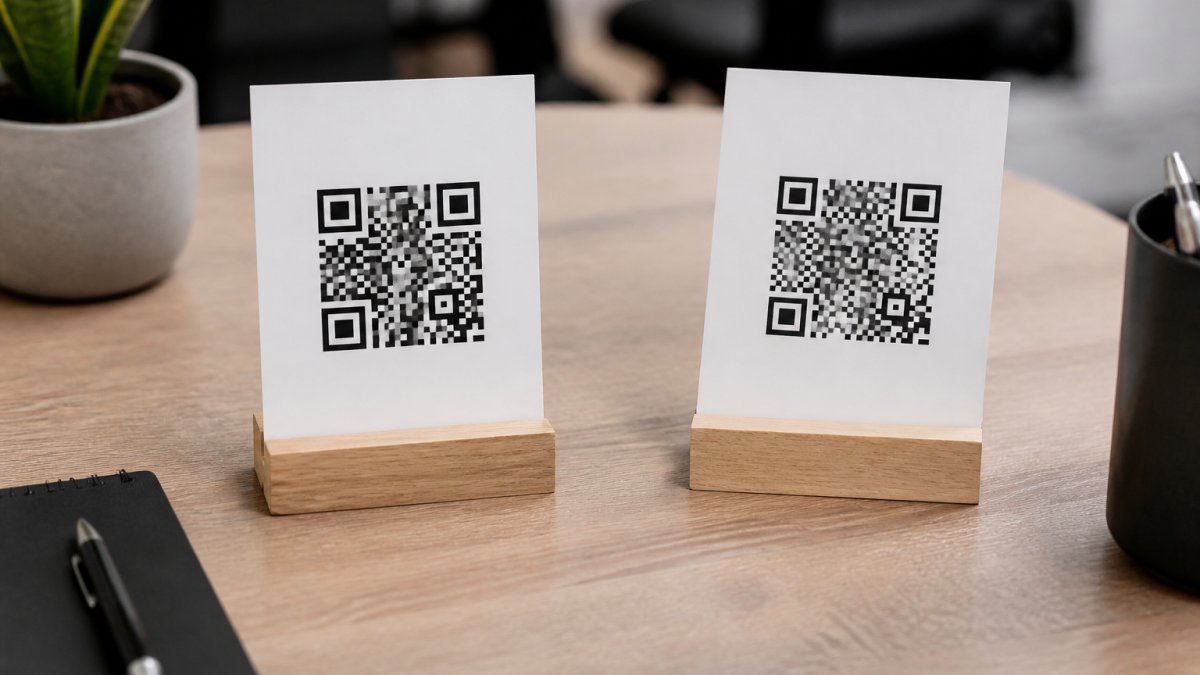
- Campaign comparison lets you test two printed designs against each other and keep the winner.
The honest limitation: scan tracking measures the scan, not the outcome. If someone scans and leaves without converting, the analytics will not tell you why. Pair scan data with your landing page analytics to see the full picture.
Cost, Privacy, and Lock-In: What the Comparison Tables Miss
Most comparisons stop at "static is free, dynamic costs money." That framing hides three issues that matter more over time: privacy, security, and provider dependence.
Privacy and consent. A dynamic code's redirect server can log scan data, which means you may be collecting personal data the moment someone scans.
Security and link ownership. A dynamic code is only as trustworthy as the redirect server behind it.
Long-term availability and lock-in. A static code works forever because it carries its own data. A dynamic code works only as long as the provider keeps the redirect alive.
Which One Should You Pick? A Scenario-Based Decision Framework
Use this table to match the code type to your situation. If your scenario appears in the static column, do not overpay for features you will never use. If it appears in the dynamic column, do not risk a reprint.
| Your Scenario | Best Code Type | Why |
|---|---|---|
| Business card with fixed contact details | Static | Destination never changes; free and permanent |
| Restaurant menu you update seasonally | Dynamic | Change menu without reprinting table tents |
| Product label linking to a permanent manual | Static | Fixed destination; works even if provider closes |
| Real estate sign for a listing that will sell | Dynamic | Repoint to the next property, reuse the sign |
| One-off flyer for a fixed event page | Static | Single use; no tracking needed |
| Multi-channel campaign needing scan data | Dynamic | Scan tracking and A/B testing across placements |
| Code printed on expensive permanent signage | Dynamic | Editable destination protects the print investment |
| Code where you must avoid collecting scan data | Static | No redirect server means no scan logging |
The pattern is consistent: static wins on permanence, cost, and privacy; dynamic wins on flexibility, analytics, and protecting expensive print runs. Most businesses end up using both, matching the code to the campaign rather than picking one type for everything.
For teams that want designed, branded codes with dynamic features and analytics built in, Scan Globe Now generates both types from one dashboard, with a landing page builder and lead forms included so a scan can turn into a captured lead rather than just a click.
Conclusion: Match the Code to the Campaign
The choice between dynamic and static QR codes is not about which is better. It is about which fits the job in front of you. Static codes are permanent, free, and private, which makes them ideal for fixed information.
Get that match wrong and you either waste money on features you do not need or lose scan data you can never recover.
Scan Globe Now was built for exactly this decision.
Frequently Asked Questions
How can you tell whether a QR code is static or dynamic?
Scan the code and look at the URL that opens. A static QR code sends you straight to the encoded destination, so the address matches the content exactly. A dynamic QR code routes through a short URL on the provider's redirect server, so you will see a shortened link before the final URL loads. You can also check the code in your dashboard: if the destination field is editable, it is dynamic.
Can you change the destination of a QR code after it has been printed?
Only if it is a dynamic QR code. The printed pattern points to a short URL on a redirect server, and you change where that redirect sends scanners. Static codes encode the destination directly into the pattern, so editing means generating a new code and reprinting every sign, menu, or flyer. For campaigns where the offer or landing page may change, dynamic codes save the reprint cost.
Can static QR codes be tracked?
Not by the code itself. A static QR code is a direct link with no redirect layer, so there is no scan count, location data, or device data to collect. You can only infer performance indirectly, for example by using a unique landing page or promo code per placement. If scan tracking matters to your campaign reporting, a dynamic QR code is the practical choice.
Do dynamic QR codes expire?
They can stop working if you cancel your subscription or the provider shuts down, because the redirect server is what keeps the code alive. Well-run providers keep active codes resolving for as long as you maintain your account. Before committing to a large print run, check the provider's terms on long-term availability and what happens to your codes if you leave.
Are dynamic QR codes safer than static ones?
Dynamic codes add a redirect layer, which means the provider can block malicious destinations and swap a compromised link without a reprint. That control helps, but it also means your code depends on the provider staying online. Static codes remove that dependency but offer no protection if the encoded destination is later compromised. For most business use, the redirect layer is worth the trade-off.
Which is better for business: a static or dynamic QR code?
Match the code to the campaign. Use static codes for permanent information that will never change, such as a Wi-Fi password, contact details, or a fixed address. Use dynamic codes for anything you may update, such as restaurant menus, real estate listings, or promotional landing pages, and for any campaign where you need scan analytics. Most businesses end up running both.