 how-to
Create Branded QR Codes Without Design Skills
Table of Contents
- What You'll Need Before Creating Your Branded QR Code
- Understanding QR Code Types: Static vs Dynamic
- Step-by-Step: Creating Your Branded QR Code
- QR Code Design Best Practices for Maximum Impact
- How to Test a QR Code Before Going Live
- Using Dynamic QR Code Tracking to Measure Campaign Success
- Common Mistakes to Avoid When Creating Branded QR Codes
- Frequently Asked Questions
Last Updated: October 12, 2026
What You'll Need Before Creating Your Branded QR Code
Creating branded QR codes without design skills is entirely achievable. You just need the right tool and a few basic elements ready.
A branded QR code is a customized QR code that reflects your business identity through colors, logos, and design elements while maintaining full scannability. Unlike plain QR codes, branded versions help reinforce your brand presence and increase customer engagement.
At Scan Globe Now, we've designed our platform specifically for marketers and business owners who lack design experience. You don't need Photoshop skills or a design background. The process is straightforward: select your code type, customize the appearance, add your logo, and download.
Before you dive in, decide what you want your QR code to do. Will it link to a website? Direct customers to a menu? Capture contact information? Your answer determines which code type you'll choose next.
Understanding QR Code Types: Static vs Dynamic
The choice between static and dynamic QR codes fundamentally changes how your campaigns work. This decision affects everything from flexibility to tracking capabilities, and it is the single decision that most often forces beginners back to a designer. Getting it right up front means you never need one.
Static QR codes contain fixed information baked directly into the code itself. Once generated, the destination URL cannot change. Static codes work well for permanent signage, printed materials, and one-time campaigns where the link never needs updating. They are typically free, they never expire, and they do not depend on a third-party service staying online.
Dynamic QR codes store a short redirect URL that you can change anytime without regenerating the code. Your physical QR code stays the same, but you can update where it points. This is powerful for ongoing campaigns, restaurant menus, and real estate listings where information changes frequently.
A simple decision rule for non-designers
If you can answer "no" to all three questions below, a static code is the safer, cheaper choice:
- Will the destination URL ever need to change?
- Do I need scan counts or location data to prove ROI?
- Will this code live on a surface I cannot easily reprint (packaging, signage, vehicle wraps)?
If you answer "yes" to any of them, choose dynamic. The subscription cost is usually trivial compared to reprinting a run of packaging because a link died.
What this means for branding without design skills
Here is the part most tutorials skip: dynamic codes are actually easier to brand safely. Because the redirect URL is short and fixed, you can lock in a clean, high-contrast design once and never touch the artwork again, even when the destination changes. With static codes, every content change means regenerating the code pattern, which means redoing your color and logo work from scratch.
For most branded QR code work aimed at beginners, dynamic codes make sense. They let you test different landing pages, track which physical locations drive the most scans, and update your menu or listing without destroying the printed code, and without ever opening a design tool.
Step-by-Step: Creating Your Branded QR Code
Step 1: Choose Your QR Code Type and Content
Start by deciding what your branded QR code will do. Select either a URL, text, contact information, or another content type depending on your goal.
If you're creating a branded QR code for a marketing campaign, choose the dynamic option. This lets you track scans and change your destination later if needed. For permanent signage or one-time use, static codes work fine.
Next, gather the exact content you want to encode. If it's a URL, copy it precisely. Typos here mean broken codes in the field. Test the URL in your browser first to confirm it works.
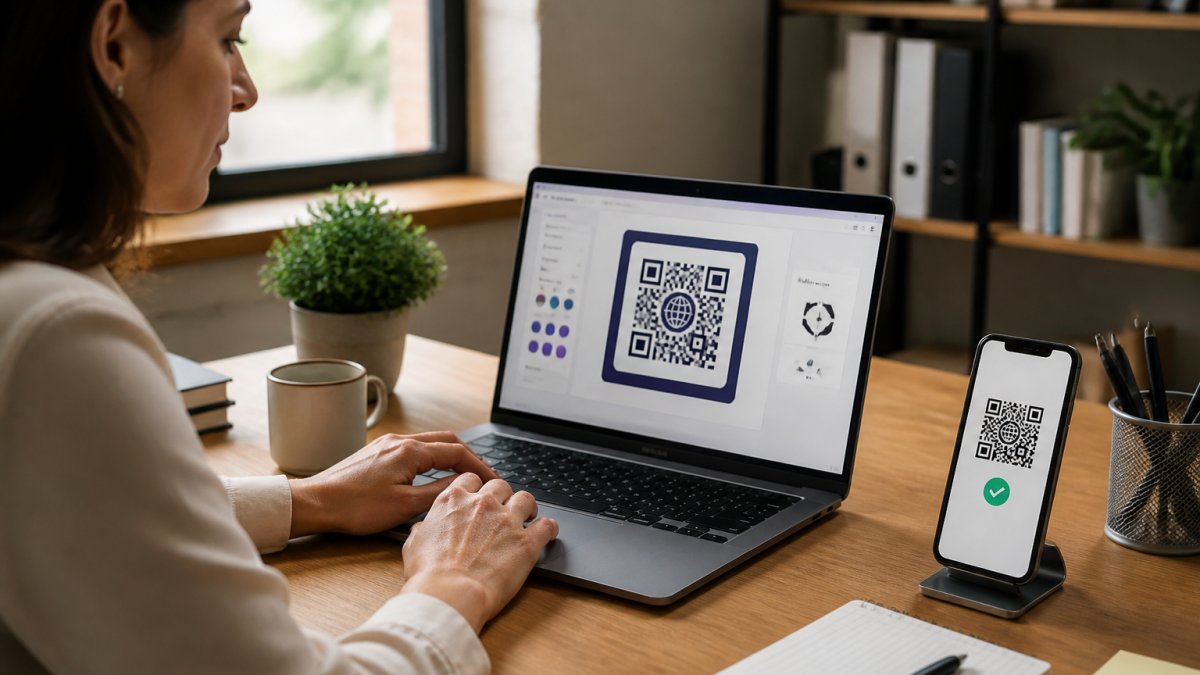
Step 2: Enter Your URL or Digital Content
Open your QR code generator and paste your content into the input field. Keep it clean and complete. If you're using a long URL, consider shortening it first to reduce code complexity.
Dynamic QR codes accept URLs, text, phone numbers, email addresses, and vCard contact information. Enter exactly what you want encoded. The generator will create the code pattern based on this content.
Once you've entered your content, the tool generates a preview. Scan it with your phone to confirm it works. This is your first quality check.
Step 3: Customize Colors and Appearance
This is where your branded QR code takes shape. Most QR code generators let you change the foreground color (the code pattern) and background color (the space behind it).
Start with your brand colors. Enter the hex codes if you have them. Keep contrast high so the code scans reliably. Dark codes on light backgrounds work best. Avoid light colors on light backgrounds or dark on dark, which breaks scannability.
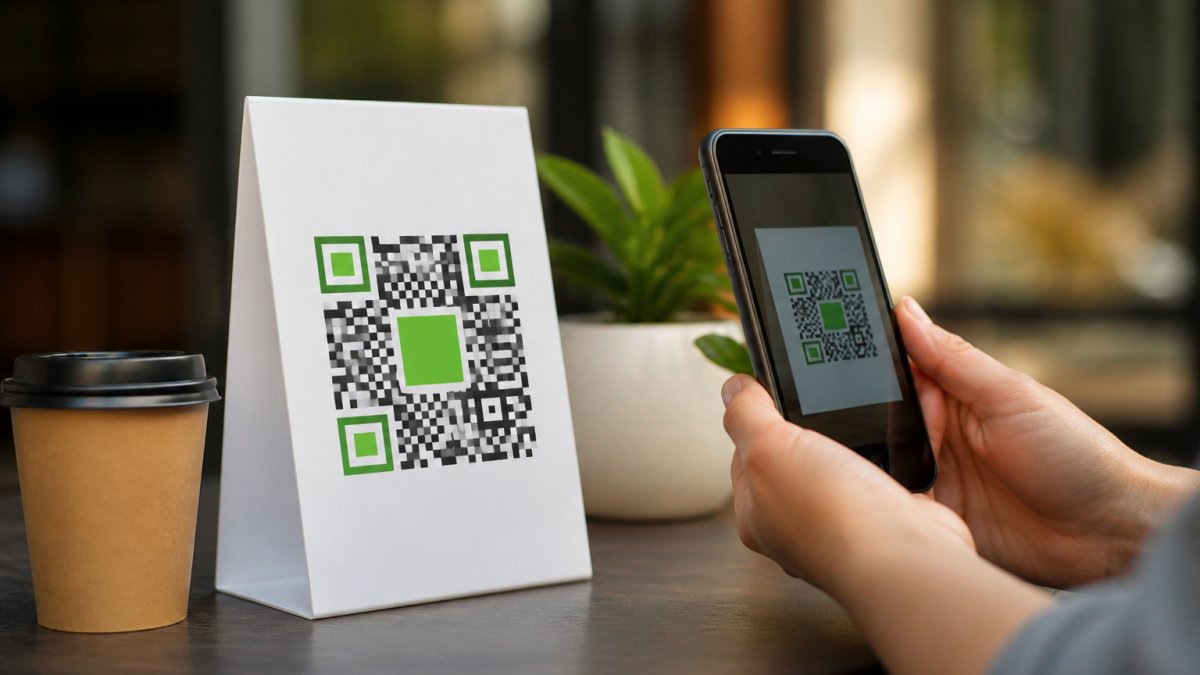
You can also customize the corner markers and inner pattern. Some tools offer preset styles that maintain scannability while adding visual flair. Choose one that matches your brand aesthetic without sacrificing readability.
Step 4: Add a Logo to Your QR Code
Adding your logo transforms a generic QR code into a branded asset. Most tools let you upload your company logo to the center of the code.
Keep your logo simple and clean. Complex logos with fine details don't work well at small sizes. A solid, recognizable mark works best. Your logo should occupy no more than 20-30% of the code's total area.
Test the code with your logo in place. Scan it multiple times from different angles and distances. The code must work reliably even with the logo present. If scans fail, reduce the logo size or simplify it further.
Step 5: Download Your Finished QR Code
Once your branded QR code looks good and scans reliably, download it. Choose a format that works for your use case. PNG files work for digital use and web. SVG files scale perfectly for large print materials without losing quality.
For print, download at the highest resolution available. High-res files ensure crisp codes on billboards, packaging, or posters. For web use, PNG at 300 pixels works well for most applications.
Save multiple versions. Keep the original file so you can make edits later. Store a high-res version for print and a web-optimized version for digital channels.
QR Code Design Best Practices for Maximum Impact
Effective branded QR codes balance aesthetics with function. The code must scan reliably first. Everything else comes second.
Use sufficient contrast between your code and background. A ratio of at least 3:1 works, but higher is better. Test your colors with a contrast checker if you're unsure.
Keep surrounding space clear. QR codes need quiet zone, empty space around the edges. Most generators handle this automatically, but verify it's there when you download.
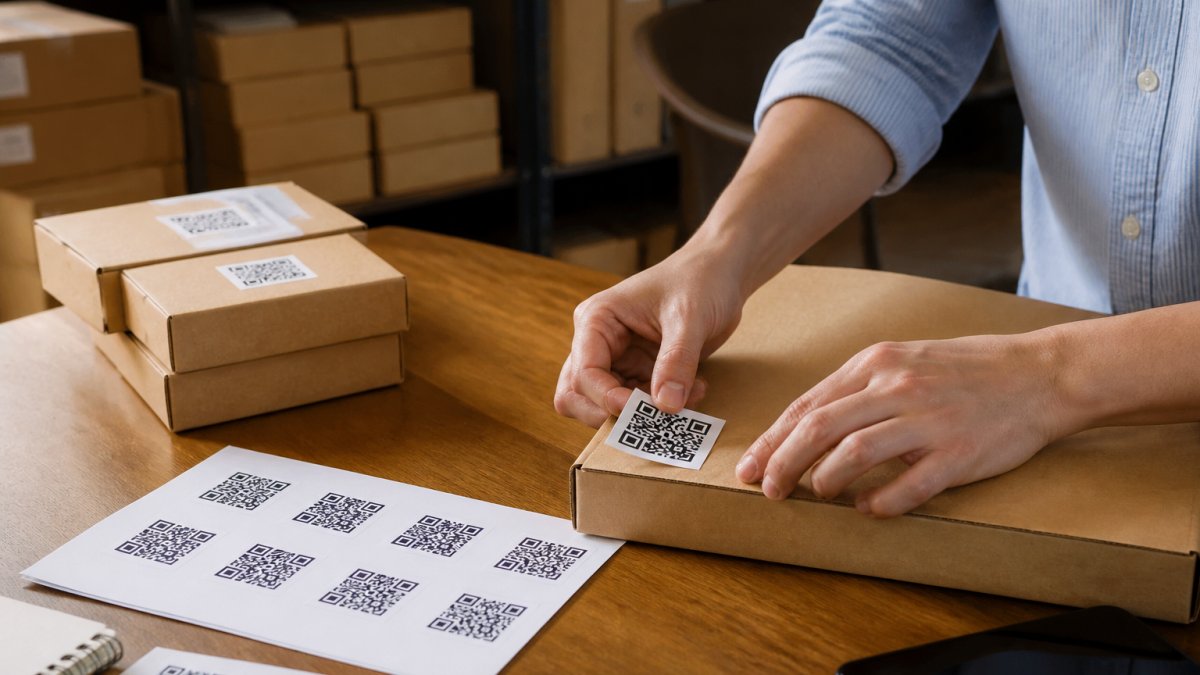
Place your code where customers can easily access it. On a menu, put it near the top. On packaging, avoid corners where it might get damaged.
Size matters. A code needs to be at least 2 centimeters square to scan reliably from arm's length. Larger is better when possible. On a business card, 2-3 centimeters works.
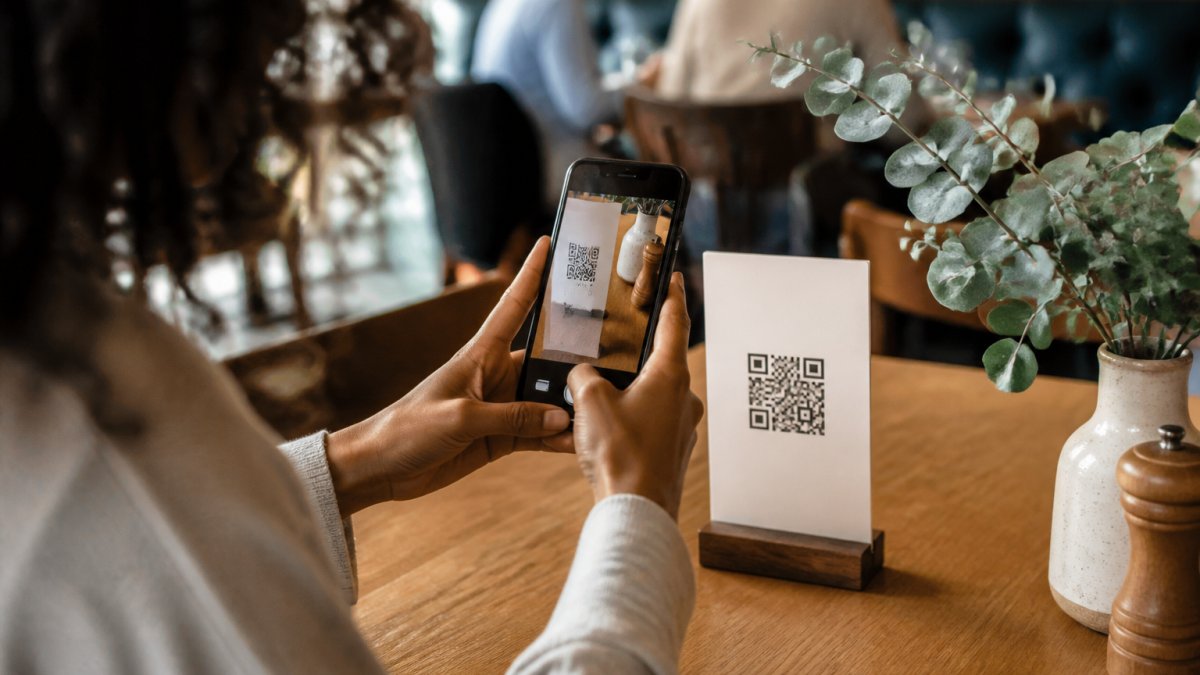
Consider your audience's device. Most phones scan QR codes with their built-in camera. Older phones might need a dedicated app. Test with multiple devices to confirm accessibility.
How to Test a QR Code Before Going Live
Never deploy a branded QR code without testing it thoroughly. A broken code damages trust and wastes the marketing investment.
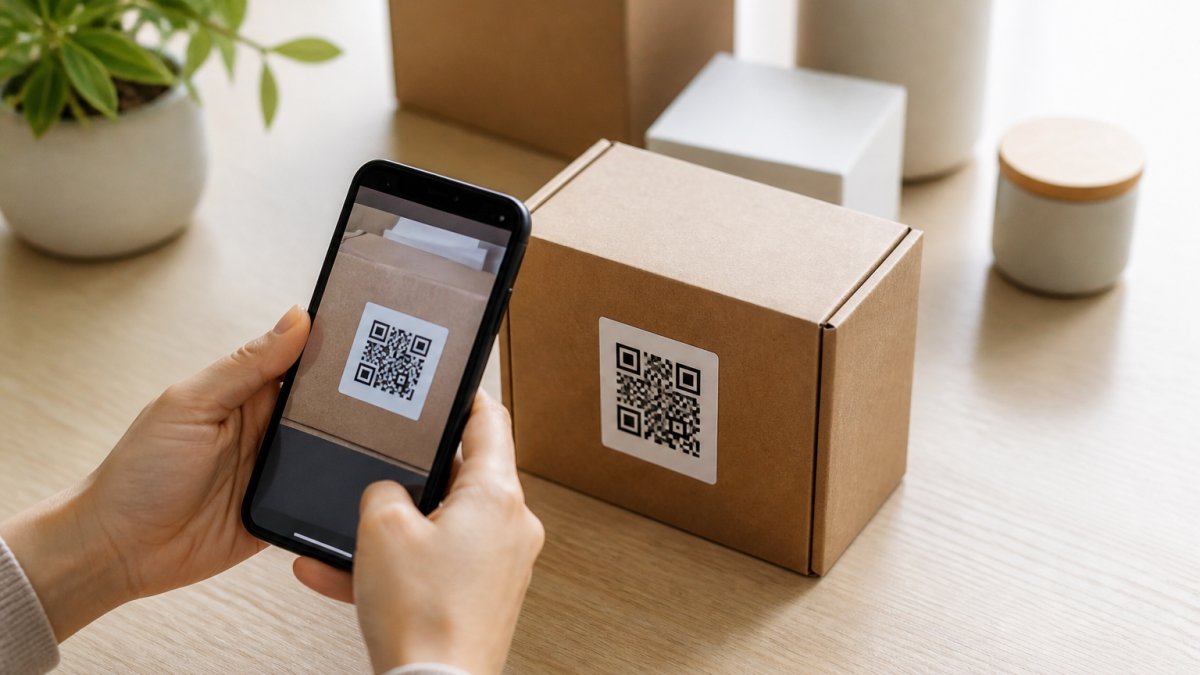
Scan your code from different devices: iPhone, Android, various phone models. Try from different distances and angles. Test in bright sunlight and dim indoor lighting. Each scenario can affect scannability.
Use multiple QR code scanner apps. Some apps are more forgiving than others. If your code fails with one app, it might fail with others too.
Check that the destination loads correctly. The code might scan fine but link to a broken page.
Test at the actual size it will be used. If your code will be 5 centimeters on a printed menu, test it at that size.
Have team members test independently. Fresh eyes catch issues you might miss. If multiple people struggle to scan your code, reduce complexity or increase size.
Using Dynamic QR Code Tracking to Measure Campaign Success
Dynamic QR codes unlock campaign analytics that static codes cannot provide. Track which physical locations generate the most scans, when people scan, and where they come from.
Most dynamic QR code platforms show basic metrics: total scans, scan location, device type, and timestamp. This data reveals which marketing channels work best.
Use tracking to optimize placement. If a restaurant menu QR code gets high scans at one location but low at another, investigate why.
Track conversion, not just scans. A high scan count means nothing if visitors don't convert. Link your QR code to a landing page that captures leads or sales.
Branded QR code tracking helps justify marketing spend. Show management that the QR code on packaging drove 1,000 scans and 50 leads last month. These metrics prove ROI.
Update your destination based on performance data. If one landing page converts better than another, switch your dynamic code's destination. No need to reprint anything.
Common Mistakes to Avoid When Creating Branded QR Codes
The most common mistake is sacrificing scannability for aesthetics. A beautiful code that doesn't scan is useless. Always test before deploying.
Don't use low contrast colors. Light gray on white doesn't work. Neither does dark blue on black.
Avoid overly complex logos. A detailed company logo with thin lines and small text fails when placed in a QR code center. Simplify it first.
Don't forget the quiet zone. The empty space around your code matters. Cropping it too tightly breaks scannability. Leave breathing room.
Resist the urge to make the code tiny. A 1-centimeter code on a billboard is too small. People can't scan it from a distance.
Don't set it and forget it. If you're using dynamic codes, monitor performance.
Never skip testing. Deploy only after confirming scans work on multiple devices, in various lighting, and at the intended size.
Creating branded QR codes without design skills is straightforward when you use the right platform.
Frequently Asked Questions
What is the difference between a static and dynamic QR code?
Static QR codes contain fixed data and cannot be changed after generation. Dynamic QR codes point to a destination URL that you can update anytime without regenerating the code itself. For businesses needing to modify landing pages, menus, or links, dynamic QR codes prevent broken codes and allow real-time updates. Dynamic QR code tracking also captures scan data, helping you measure campaign performance and customer engagement.
Can I really create a professional branded QR code without design skills?
Yes. Modern QR code generators handle the technical complexity for you. You simply choose your content type, enter a URL or text, select brand colors, upload your logo, and download. AI-powered platforms automate the design work, ensuring scannability while letting you apply your brand identity. The key is using a tool built for non-designers and testing your code before printing to confirm it scans reliably.
How do I add a logo to a QR code and keep it scannable?
Upload your logo through the QR code generator's design interface. The tool automatically positions it in the center and adjusts error correction to maintain scannability. Keep your logo simple and not too large (typically 20-30% of the QR code size). Always test the final QR code with multiple devices before printing. Logos work best on dynamic QR codes because error correction is built in from the start.
What should I test before printing a branded QR code on marketing materials?
Test scannability using at least three different smartphones and QR code reader apps. Verify the destination URL loads correctly and displays as intended. Check that your custom colors maintain sufficient contrast between the QR pattern and background. Confirm the logo doesn't obscure critical areas of the code. If using dynamic QR codes, test that analytics are recording scans. Print a small sample and test from the printed material itself, not just the digital file.