 how-to
How to Create QR Codes for Menus: A 2026 Guide
Table of Contents
- How to Create QR Codes for Menus: Quick Overview
- Step 1: Choose Your Menu Format (Webpage, PDF, or Hosted)
- Step 2: Create a QR Code for a PDF Menu or Webpage
- Step 3: Use a Free QR Code Menu Generator
- Static vs Dynamic QR Code for Menu: Which to Choose
- QR Code Menu Design Tips for Print and Scan Reliability
- Testing, Printing, and Table Placement
- Accessibility, Privacy, and Menu Maintenance Workflow
- Frequently Asked Questions
Last Updated: October 5, 2026
How to Create QR Codes for Menus: Quick Overview
You can create QR codes for menus in about 15 minutes once you pick a format.
Here is the short version:
- Choose your menu format (webpage, PDF, or hosted digital menu)
- Upload your menu and copy the shareable link
- Paste that link into a free QR code menu generator
- Download the code, test it on a phone, and print it
The Nielsen Norman Group's research on mobile usability has long shown that people abandon pages that load slowly or render poorly on phones.
Most guides stop at "paste a link, download a code", a working code, but not one that survives a busy Friday night.
Step 1: Choose Your Menu Format (Webpage, PDF, or Hosted)
The best menu format for QR codes is a mobile-optimized webpage: it loads fast, updates instantly, and works with screen readers. A PDF is fastest to set up but hardest to read on a phone. A hosted digital menu sits in between.
Webpage menu vs PDF menu vs hosted digital menu
Each format changes how much work you do later:
| Format | Setup Time | Update Speed | Mobile Experience | Best For |
|---|---|---|---|---|
| Webpage menu | 30-60 min | Instant | Best | Menus that change often |
| PDF menu | 5-10 min | Re-upload needed | Poor on phones | Fixed, printed-style menus |
| Hosted digital menu | 15-30 min | Instant | Good | Multi-location restaurants |
A webpage menu is a page on your own site. Text reflows to fit the screen, so guests pinch and zoom less, and price changes go live in seconds.
A PDF menu looks exactly like your printed menu, which some owners prefer.
A hosted digital menu lives on a menu platform: a clean, template-based page without building anything, at the cost of less control over branding.
Step 2: Create a QR Code for a PDF Menu or Webpage
To create a QR code for a PDF menu, upload the file to cloud storage, copy the public share link, and paste it into a generator. For a webpage, skip the upload and use your page's URL directly.
Uploading your menu and copying the shareable link
The upload step is where most people trip up: a file on your laptop has no web address, so a QR code cannot point to it.
For a PDF menu:
- Save your menu as a PDF with selectable text, not a scan
- Upload it to cloud storage or your website's file hosting
- Set sharing to "anyone with the link"
- Copy the shareable link and check it opens in a private browser window
That last step catches permission errors before your guests do.
For a webpage menu, the link is simply your page URL. Test it on your phone before you generate anything.
Google's PageSpeed Insights tool shows how your menu page performs on a real mobile connection. Run it before you print.
Step 3: Use a Free QR Code Menu Generator
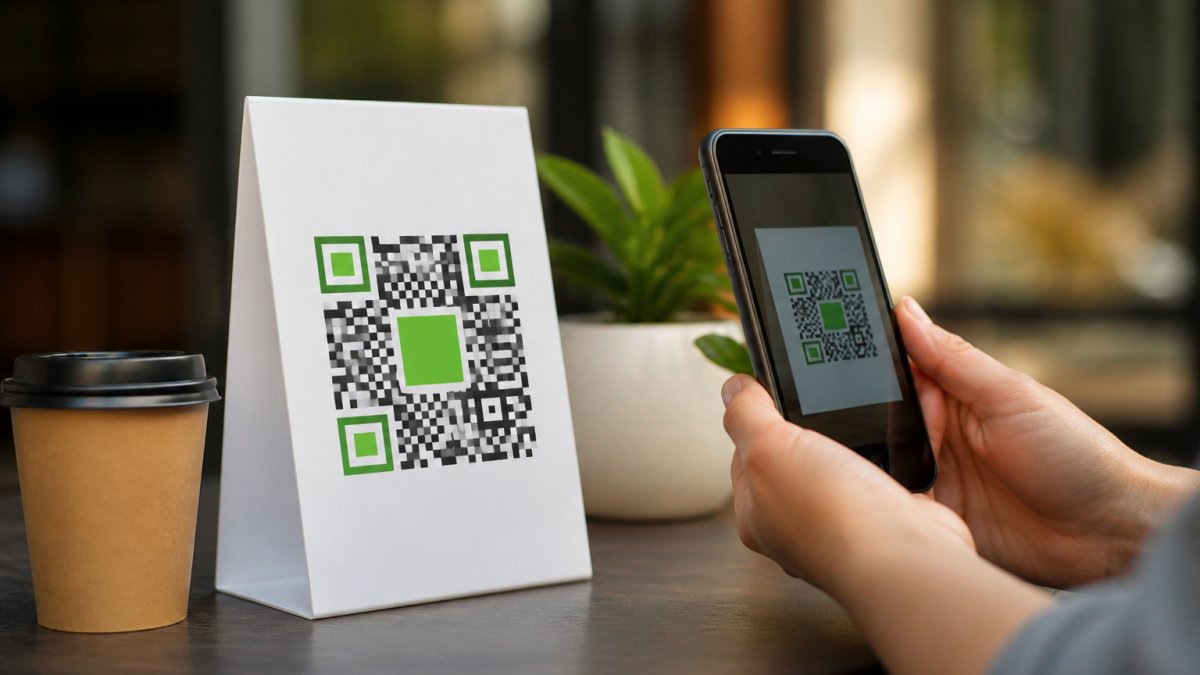
A free QR code menu generator turns your link into a scannable image in under a minute: paste the URL, click generate, download.
Here is the workflow:
- Open a QR code generator in your browser
- Paste your menu link into the URL field
- Pick a size of at least 2 x 2 cm for table tents
- Choose a high-contrast color pair
- Download the code as PNG for digital use or SVG for print
Free tools handle a single static code fine. Where they fall short is management: run five locations or change links often, and you end up with a folder of files and no record of which code points where.
What free generators actually limit
Most free tiers cap you in ways that only show up after you print:
- Scan caps. Some free dynamic codes stop resolving after a set number of scans per month, which is a problem on a busy weekend.
- Expiring codes. A few free tools issue codes that expire after a trial period. A printed table tent with a dead code is worse than no code.
- No editing. Static codes cannot be repointed. If your menu URL changes, every printed code is scrap. This is the single most common reason restaurants reprint.
Before committing to a free tool, read the fine print on scan limits and expiration. If it cannot tell you clearly, treat that as a no.
Static vs dynamic at the point of generation
This decision matters most, and it happens right here in step 3.
- Static QR code: the link is encoded directly in the pattern. Change the link, and you must reprint every code.
- Dynamic QR code: the pattern points to a short redirect you control. Change the destination anytime, and the printed code stays valid.
If your menu changes more than once a quarter, generate a dynamic code.
Dynamic codes also give you scan analytics: how many guests scanned, when, and from which location, data that tells you whether table placement is working.
The trade-off is dependency. A dynamic code relies on the provider staying online. If that service shuts down, the redirect breaks.
Scan Globe Now's AI-powered designer creates branded codes without design skills, and dynamic features let you change the destination link without reprinting. You also get a landing page builder and lead forms, so a scan can do more than open a menu.
Static vs Dynamic QR Code for Menu: Which to Choose
A dynamic QR code for menus lets you change the destination link after printing; a static code locks the link in permanently. For restaurant menus, dynamic wins in almost every case where your menu changes.
- Static QR code: the link is encoded directly in the pattern. Change the link, and you must reprint every code.
- Dynamic QR code: the pattern points to a short redirect you control. Change the destination anytime, and the printed code stays valid.
QR Code Menu Design Tips for Print and Scan Reliability
Contrast is everything. Dark code on a light background scans best; inverting colors confuses many phone cameras.
Leave a quiet zone. Keep a blank margin about four modules wide; crowding the edges breaks detection.
Size for distance. A code scanned from 30 cm needs to be at least 2 x 2 cm.
Avoid glossy finishes. Shine creates glare that blocks the camera. Matte lamination scans better.
Testing, Printing, and Table Placement
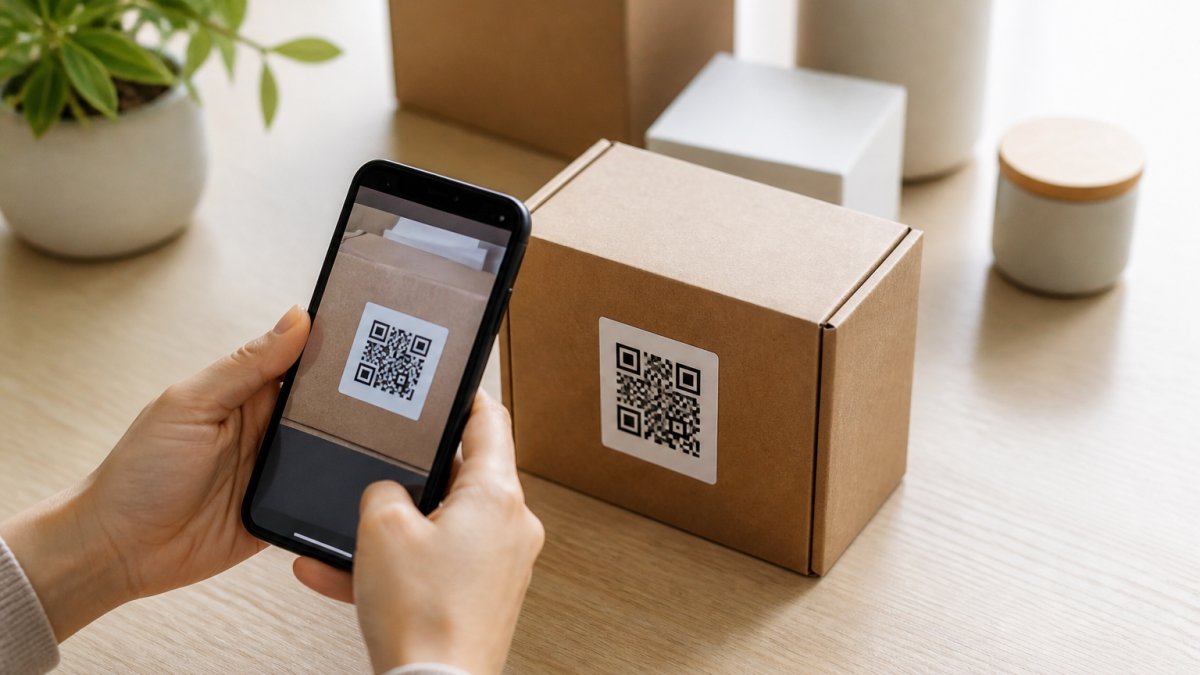
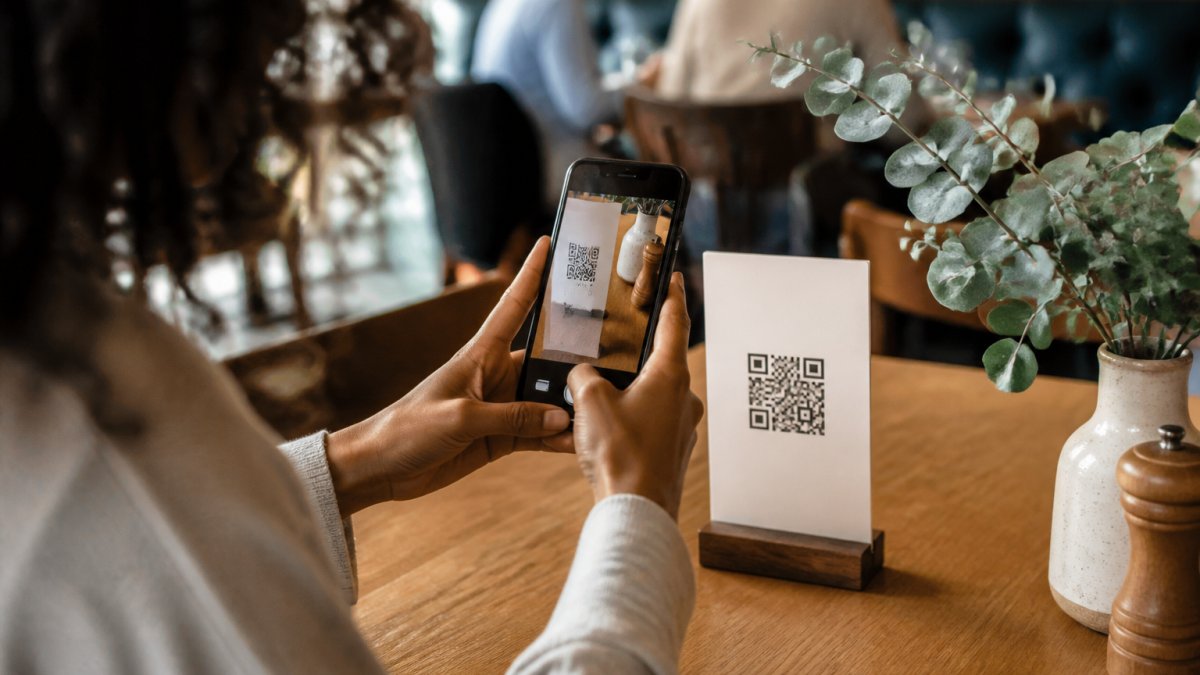
Test every code on at least two phones before printing. Scan from the actual table, in the actual lighting, at the angle a seated guest would hold their phone.
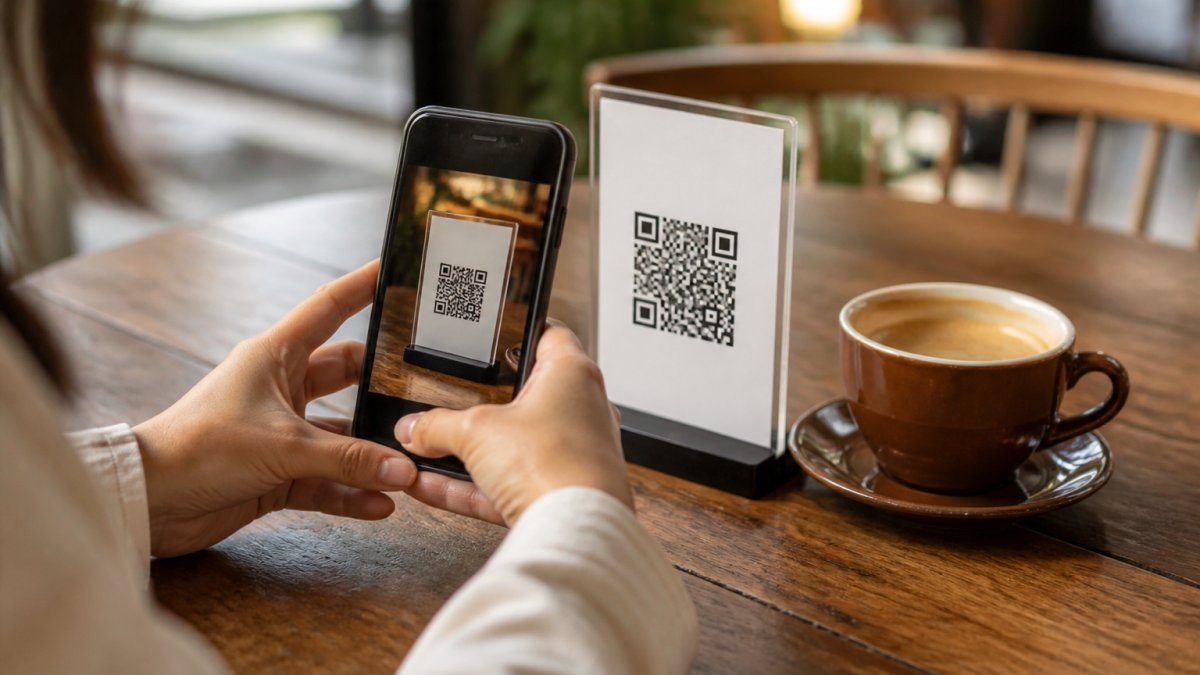
Run through this checklist before your print order:
- Code scans on iPhone and Android
- Code scans in low light
- Link opens in under three seconds on mobile data
For placement, put the code where guests naturally look. A table tent beside the salt and pepper works. A sticker on the table edge gets missed.
Print on matte stock with a slight texture. Glossy cards slide and glare. If you laminate, choose matte film.
Accessibility, Privacy, and Menu Maintenance Workflow
Accessible menu design means every guest can use your code, not just those with perfect eyesight and a recent phone. Most QR menu guides go quiet here; you can do better.
Accessibility: design the menu, not just the code
Start with the menu itself, not the code. Use real text rather than text baked into an image, since screen readers cannot read words inside a photo. Keep fonts large and contrast strong: body text at 16 px or larger on mobile, with a contrast ratio meeting WCAG AA (4.5:1 for normal text).
A few concrete moves that help every guest:
- Selectable text, not a scanned image. If your PDF is a photo of a printed menu, screen readers get nothing. Export a real PDF or use a webpage.
- Descriptive link text. "View menu" beats "click here" for screen-reader users navigating by link list.
- Allergen and dietary labels in text. Icons alone fail for screen readers and for guests who do not recognize your icon set.
Privacy and link security
A QR code is a link, and links can be abused. Two risks matter:
- Tampered codes. A sticker placed over your printed code can redirect guests to a phishing page. Check your table tents periodically and remove anything stuck on top.
- Data collection. Some hosted menu platforms track guest behavior. If you collect anything, say so plainly and keep it minimal. A menu does not need a login, an email field, or a phone number to work.
On hosting, use HTTPS: a menu served over plain HTTP triggers browser warnings and looks untrustworthy. If you use a URL shortener for a dynamic code, choose a reputable provider; unknown shorteners are a common phishing vector and some networks block them.
Maintenance workflow that prevents stale menus
A menu that still lists a sold-out dish erodes trust. The workflow below takes minutes and prevents that.
| Task | Frequency | Owner |
|---|---|---|
| Check menu prices and items | Weekly | Manager |
| Mark sold-out items the same day | Daily | Floor staff |
| Test one code per location | Weekly | Staff |
| Review scan analytics | Monthly | Owner |
| Update seasonal menu and allergens | Quarterly | Manager |
Two habits make this stick. First, give floor staff a one-line way to flag a sold-out item, such as a shared note or POS tag, so the update happens before the next service. Second, keep the menu source of truth in one place; if your webpage, PDF, and printed menu are edited separately, they drift apart within a month.
Frequently Asked Questions
How can I convert my menu to a QR code?
Three steps: build your menu as a webpage, PDF, or hosted digital menu; copy the shareable link; paste it into a QR code generator and download the code. A PDF menu link works, but a hosted webpage loads faster and is easier to update. Test the code on at least two phones before printing, and place it where guests can scan comfortably.
Should I use a static or dynamic QR code for my menu?
Use a dynamic QR code for menu updates. Static codes lock the destination URL into the pattern, so changing the link means reprinting every table card. Dynamic codes let you swap the destination, update prices or menu items, and track scan analytics without touching the printed code. For restaurants that change menus seasonally or daily, dynamic is the practical choice.
Can I create a menu QR code for free?
Yes. A free QR code menu generator will produce a working code for a single menu URL at no cost, which suits a small restaurant with one fixed menu. Free tiers often have limitations on dynamic codes, scan analytics, and design options. For features like branded codes, lead capture, or managing multiple locations, you may need to consider a paid plan. Always test the free code on several phones before printing.
How do I test a QR code menu before printing it?
Scan the code with at least two phones, one iPhone and one Android, using the default camera app. Check that the menu loads in under three seconds on mobile data, not just Wi-Fi. Print one copy at final size and scan it under dim lighting to mimic restaurant conditions. If the code fails any test, fix it before ordering a full print run.
Running a menu that changes often is the real challenge, not generating the first code. Scan Globe Now handles that side of the job with dynamic codes you can update without reprinting, an AI designer that builds branded codes without design skills, and built-in analytics that show which tables actually get scanned. Register with Scan Globe Now and put a menu system in place that keeps up with your kitchen.