 how-to
How to Manage QR Code Campaigns at Scale
Table of Contents
- Step 1: Plan Your QR Code Campaign Structure and Goals
- Step 2: Create and Customize QR Codes for Branding
- Step 3: Set Up Dynamic QR Codes for Marketing Flexibility
- Step 4: Organize and Manage Multiple QR Codes From a Centralized Dashboard
- Step 5: Choose Placement Channels and Write Clear Calls to Action
- Step 6: Track QR Code Campaign Performance and Scans
- Step 7: Real-World QR Code Marketing Campaign Examples
- Common Mistakes to Avoid When Managing QR Code Campaigns
- Frequently Asked Questions
Last Updated: October 11, 2026
Step 1: Plan Your QR Code Campaign Structure and Goals
To manage QR code campaigns effectively, you need to start with clarity. Before you create a single code, define what success looks like for your business. Are you driving restaurant reservations? Capturing real estate leads?
Start by establishing your campaign objectives. Write down the specific action you want users to take after scanning.
Define campaign objectives and success metrics
The best campaigns have one clear goal, not five competing ones. A restaurant menu QR code should drive orders, not simultaneously promote your loyalty app, collect email addresses, and link to your Instagram. Focus beats complexity every time.
Document your metrics before launch. Track these baseline numbers:
- Expected scan volume per week
- Target conversion rate (scans to actual leads)
- Geographic regions you're targeting
- Device types (mobile, tablet, desktop)
- Peak scanning times
Organize codes by project, location, or customer segment
As you scale, organization prevents chaos. Group your QR codes by the structure that makes sense for your business. A restaurant chain might organize by location. A real estate agency might organize by property type or agent. A content creator might organize by campaign or platform.
Use naming conventions that stick. Instead of "QR_Code_1," use "Restaurant_Menu_Location_Downtown_Jan2026" or "PropertyListing_Luxury_Condos_Miami_Q1." When you're managing hundreds of codes, clear naming saves hours of confusion.
Step 2: Create and Customize QR Codes for Branding
Generic black-and-white QR codes work, but they don't stand out. Your codes should reflect your brand identity and make users want to scan them.
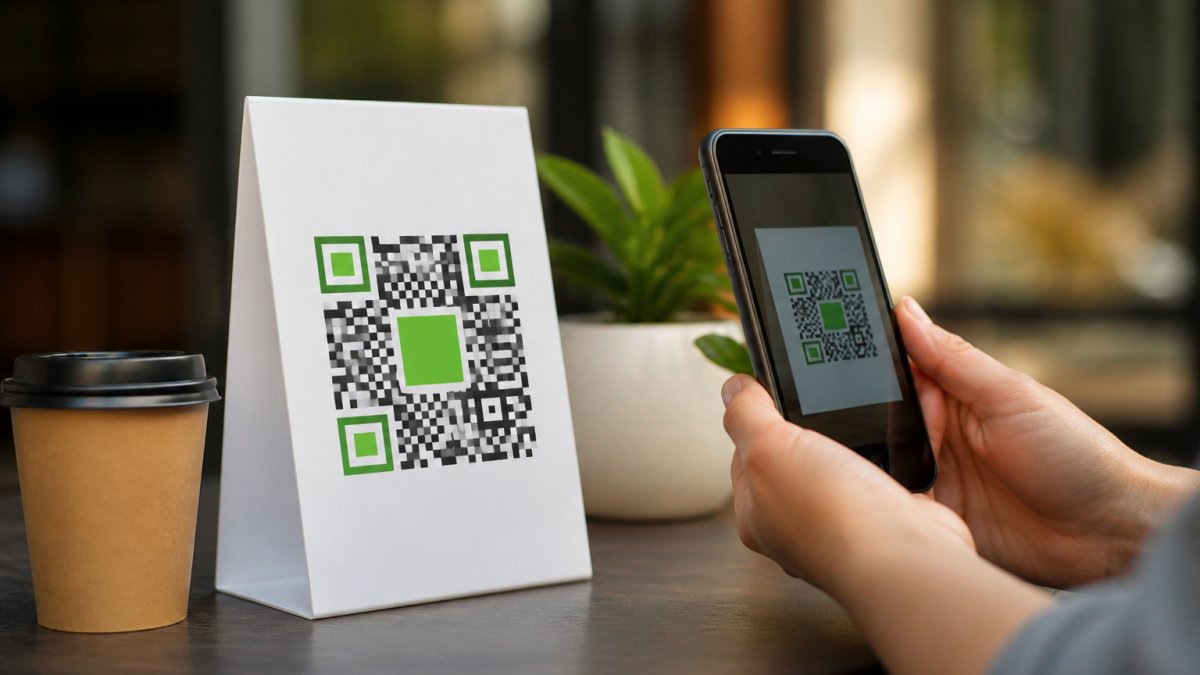
Scan Globe Now's AI-powered design tools let you create branded QR codes in seconds without hiring a designer. You can match your brand colors, add your logo, and customize the design while keeping the code fully scannable.
Use AI-powered design tools to match your brand identity
Start with your brand guidelines. Pull your primary color, secondary color, and logo. Modern QR code generators let you customize the code's appearance while maintaining scannability.
Test scanability after customization. A beautiful code that doesn't scan is worthless. Use multiple devices and QR code readers to verify every design works. Check both iPhone and Android devices, as they sometimes behave differently.
Bulk creation and batch processing for multiple codes
When you're launching dozens of codes at once, creating them one by one wastes time. Look for tools that support bulk creation. You should be able to upload a spreadsheet with destination URLs and generate multiple codes at once.
Batch processing also ensures consistency. All codes use the same branding elements, colors, and design style. This consistency reinforces your brand identity across all marketing materials.
Step 3: Set Up Dynamic QR Codes for Marketing Flexibility
Static QR codes point to a fixed URL forever. Once you print them on menus, signage, or packaging, you're locked in. Dynamic QR codes let you change the destination URL without reprinting anything.
This flexibility is critical at scale. Your restaurant menu link might need to point to a different landing page in February than it did in January.
Edit destination URLs without reprinting materials
With dynamic QR codes, you update the link in your dashboard. The physical code stays the same. Scans immediately route to the new destination.
Test URL changes before going live. Some users might have cached the old link. Verify the new destination works across all devices and browsers. Set up redirects if needed to ensure no traffic gets lost during the transition.
Create landing pages and capture leads directly
Your QR code's destination matters as much as the code itself. A well-designed landing page captures more leads than a generic link.
Keep landing pages focused. A single clear call-to-action outperforms pages with multiple options. If your QR code is on a restaurant menu, the landing page should make it easy to place an order or reserve a table.
Step 4: Organize and Manage Multiple QR Codes From a Centralized Dashboard
Once you're managing dozens or hundreds of codes, a centralized dashboard becomes essential. You need one place to view all your codes, update them, and monitor their performance.

A good dashboard lets you tag and filter codes by campaign, location, or client. Search functionality matters. When you need to find the code for "Downtown Restaurant Menu," you should find it in seconds, not minutes.
Tag and categorize codes by campaign, client, or vertical
Create a tagging system that matches your business structure. You might use tags like "Restaurant," "Menu," "January2026" or "RealEstate," "Luxury," "Miami," "Q1." Consistent tagging makes filtering and reporting fast.
Organize your codes in folders or projects. Group all codes for a single client together. Group all codes for a single campaign together. This structure prevents confusion and makes it easy to pause or update related codes at once.
Set permissions and team collaboration workflows
As your team grows, you need permission controls. Your junior marketer shouldn't be able to delete codes created by the account manager. Your restaurant manager shouldn't see codes from other locations.
Set role-based permissions. Admins can create, edit, and delete codes. Managers can view and update codes for their location. Team members can view analytics but not make changes. Clear permissions prevent mistakes and maintain security.
Step 5: Choose Placement Channels and Write Clear Calls to Action
Where you place your QR code matters as much as the code itself. A code on a restaurant menu gets scanned more than a code in a dark corner of your website.
Think about your customer's journey. Where are they when they'd want to scan? On a printed menu? Looking at a property listing? Scrolling social media? Place your code at that moment of intent.
Select optimal placements across print, signage, and digital
Print materials like menus, flyers, and direct mail work well for QR codes. People hold these materials, see the code, and scan immediately.
Signage in physical locations drives high scan rates. Restaurant windows, real estate signs, and retail displays all work.
Digital placements like email, social media, and websites also work, but with lower scan rates than print. Email campaigns see better results than social posts.
Craft compelling CTAs that drive scans and conversions
Your QR code needs context. A standalone code confuses people. A code with a clear call-to-action gets scanned.
Write specific CTAs, not generic ones.
Keep CTAs short. Five words or fewer works best. Place the CTA directly above or below the code. Use contrasting colors so the CTA stands out from surrounding content.
Step 6: Track QR Code Campaign Performance and Scans
Data tells you what's working. Without tracking, you're guessing. With tracking, you optimize.
Your QR code platform should provide analytics out of the box. You shouldn't need to set up complex tracking or hire a developer. Basic metrics should be available in your dashboard immediately.
Monitor scan volume, geographic data, and device types
Track scan volume over time. Is it trending up or down? Are scans concentrated on certain days or times? A restaurant might see peak scans during lunch and dinner hours.
Geographic data shows where your scans come from. If your restaurant has multiple locations, you can see which location's code gets scanned most.
Device type matters for optimization. If 80% of scans come from iPhone, optimize your landing page for iOS.
Measure conversion rates and ROI from scan to lead
Tracking scans is a start. Measuring conversions is better. A scan that doesn't convert to a lead, reservation, or sale has limited value.
Set up conversion tracking on your landing pages. If someone scans the code and then completes a form, that's a conversion.
Calculate ROI by comparing the cost of your campaign (design, printing, placement) to the revenue generated by scans that converted.
Step 7: Real-World QR Code Marketing Campaign Examples
Theory is useful. Examples are better. Here's how real businesses use QR codes at scale.
Restaurant menus and customer engagement use cases
A restaurant chain with 50 locations uses dynamic QR codes on printed menus. Each location's code points to a custom landing page with location-specific specials and the ability to place online orders. They can update the landing page weekly without reprinting menus.
Result: They track which locations' codes get scanned most. They see that suburban locations get higher scan rates than downtown locations. They adjust marketing spend accordingly.
Real estate listings and multi-location retail campaigns
A real estate agency uses branded QR codes on property signs.
Result: They track which properties get the most scans. They see that corner properties get scanned more than mid-block properties.
A retail chain with 200 stores uses QR codes on in-store signage to drive loyalty program signups. Each store's code links to a signup form.
Result: Top-performing stores become models. Their signage placement and CTA copy get replicated in other stores.
Common Mistakes to Avoid When Managing QR Code Campaigns
Scale introduces complexity. Here's what trips up most teams.
Ignoring mobile optimization. Your QR code likely directs people to a landing page.
Creating codes too small. A QR code that's 0.5 inches square is technically scannable but practically impossible.
Forgetting calls-to-action. A bare QR code confuses people. They don't know what will happen if they scan.
Mixing too many campaigns. If you're running 50 different QR code campaigns with 50 different landing pages, you can't optimize effectively.
Not updating dynamic codes. Dynamic codes are powerful only if you use them.
Skipping analytics. Creating codes is easy. Tracking performance is where the value lives.
Manage QR code campaigns at scale by starting with clear goals, organizing codes systematically, and tracking performance religiously. Whether you're a restaurant managing menus across multiple locations or a real estate agency generating codes for dozens of listings, the platform handles scale without requiring a developer or design skills. Register with Scan Globe Now and start managing your QR code campaigns with confidence.
Frequently Asked Questions
How do dynamic QR codes help manage campaigns at scale?
Dynamic QR codes allow you to edit the destination URL after printing, so you can update landing pages, menus, or promotions without reprinting materials. This is essential at scale because campaigns often change, a restaurant menu link, a real estate listing, or a promotional offer may need updating. With dynamic QR codes, you change the destination once in your dashboard, and all printed codes instantly point to the new content. Static codes cannot be edited, forcing you to reprint if anything changes, which becomes expensive and impractical when managing hundreds or thousands of codes.
What metrics should you track in a QR code campaign?
Track scan volume (total number of scans per code), geographic location of scans, device types, time and date of scans, and conversion rate (scans that result in a lead or purchase). These metrics reveal which placements perform best, when your audience is most engaged, and whether your QR code campaign is driving actual business results. Compare scan data against your original campaign goals to measure ROI and identify which codes or channels deserve more investment.
What is the best way to organize QR codes for different campaigns?
Use a centralized dashboard to tag and group codes by campaign name, client, location, or business vertical. For example, a real estate agency might organize by property listing, while a restaurant chain might organize by location and menu type. Establish naming conventions (e.g., 'NYC-Menu-Q1-2026') and assign team members specific folders or projects. Clear organization prevents duplicate codes, makes bulk edits easier, and allows team members to find the right code quickly when you need to update or analyze performance.
How can marketing teams manage QR codes across multiple locations or clients?
Use a platform with team collaboration features, role-based permissions, and client-specific workspaces. Assign team members access to only the campaigns they manage, set approval workflows for code creation and updates, and maintain a shared library so no one creates duplicate codes. For agencies managing client campaigns, separate client folders prevent confusion and allow clients to view their own analytics without seeing other clients' data. Centralized management at scale requires clear governance, audit trails, and the ability to bulk-edit codes across multiple campaigns simultaneously.