 how-to
Create Professional Branded QR Codes: 2026 Guide
Table of Contents
- Create Professional Branded QR Codes: What Sets Them Apart
- The Elements That Make a QR Code Look Professional
- Step-by-Step: Create a Branded QR Code With a Generator
- Dynamic vs Static QR Codes for Business: Which Should You Choose?
- Best Practices for QR Code Marketing That Actually Drive Scans
- How to Track QR Code Scans and Measure Campaign Performance
- Pre-Launch Testing Checklist and Print Production Tips
- Privacy, Consent, and Data Handling for Scan Analytics
- Conclusion: Turning Branded QR Codes Into a Lead Capture Channel
- Frequently Asked Questions
Last Updated: October 8, 2026
Create Professional Branded QR Codes: What Sets Them Apart
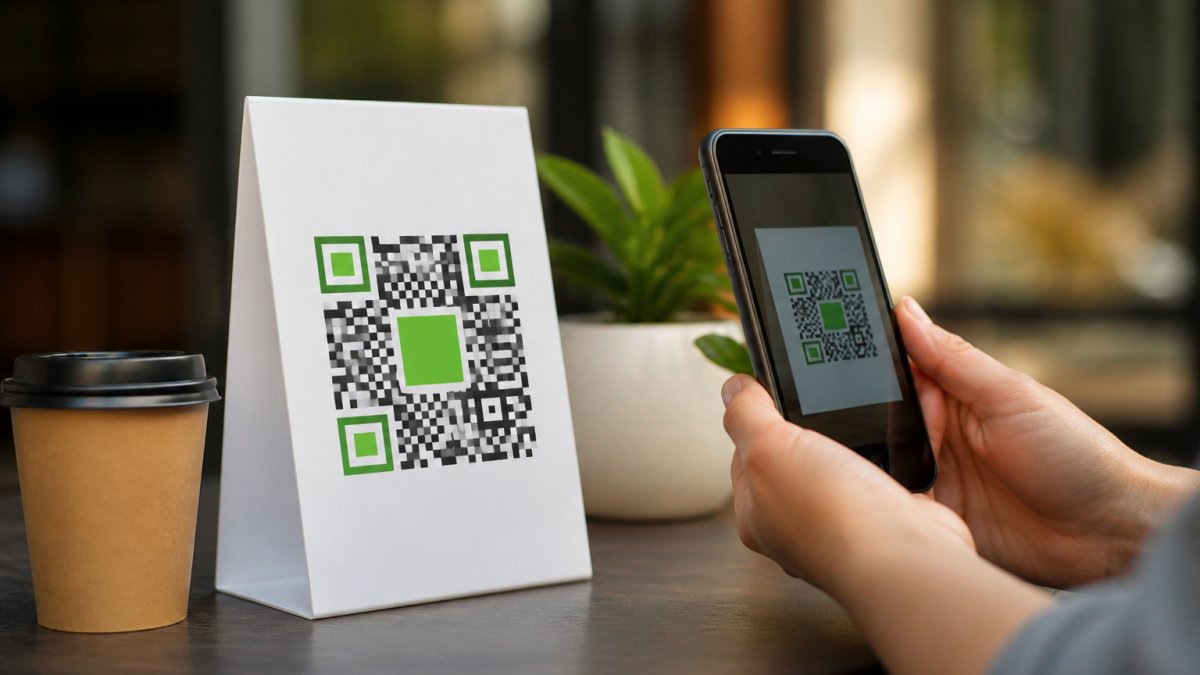
A branded QR code is a scannable square that carries your logo, colors, and visual identity while still resolving to a working link. This guide from Scan Globe Now walks through how to create professional branded QR codes that look like part of your brand and still scan on the first try.
The tension most guides skip: a QR code is a machine-readable grid first and a design object second. Decorate it carelessly and it stops working.
The Elements That Make a QR Code Look Professional
Three things separate a professional code from a homemade one: clear logo placement, brand colors that keep contrast high, and a design that stays scannable at its actual print size.
The mistake we see most often is treating the code as a blank canvas. Every dark module carries data.
- Logo: small, centered, and never covering more than about a third of the code's width
- Colors: dark foreground on a light background, with strong contrast between them
- Quiet zone: a clear margin around the code, free of text or images
A common mistake is inverting the colors, light code on a dark background, because it looks sharp on a mockup. Many phone cameras read inverted codes poorly.
Step-by-Step: Create a Branded QR Code With a Generator
The fastest path is a generator built for design, not a bare-bones free tool. At Scan Globe Now, our AI-powered designer lets you produce a branded code without design skills, then attach a landing page and lead form to the same campaign.
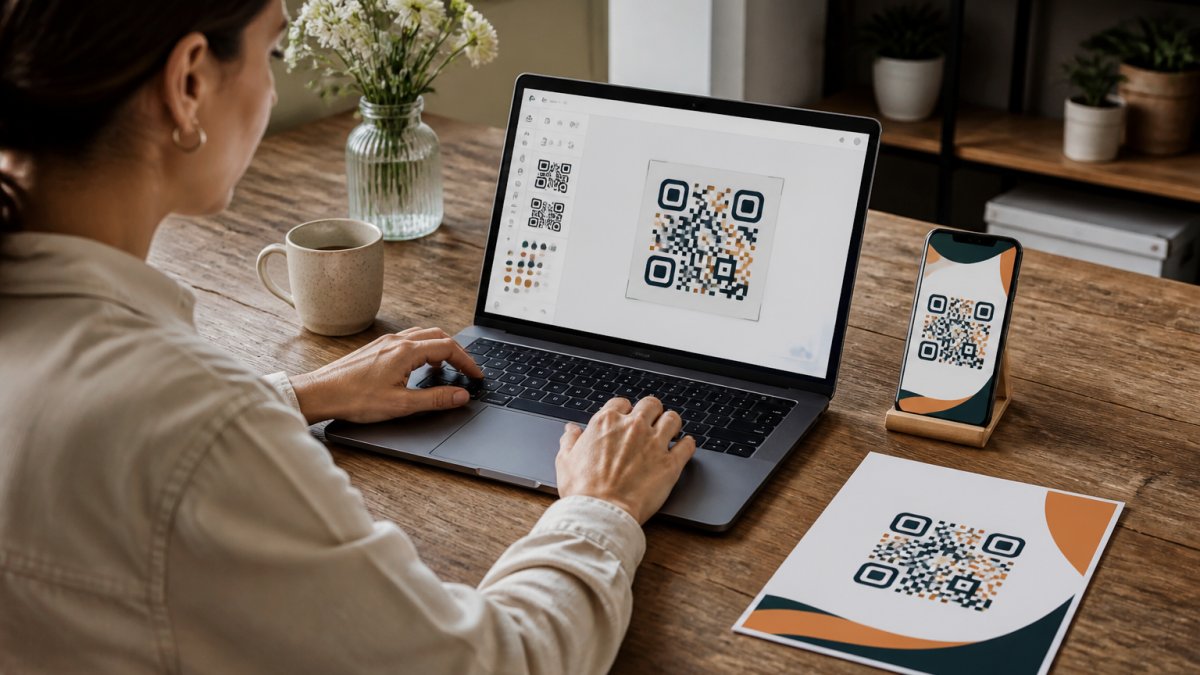
Pick the Right QR Code Type for Your Destination
The code type should match where you want the scan to land: a URL code points to a website or landing page, a menu code opens a digital menu, a contact code saves your details, a social code opens a profile, a Wi-Fi code joins a network, and a multi-link code lets the scanner choose from several destinations.
Choose the destination first, then the design. That order prevents rebuilding the code later and determines how much data it carries, which sets how dense the pattern is and how large it must print to stay scannable.
Add Your Logo, Brand Colors, and Design Elements
Upload your logo, apply your brand colors, and adjust the pattern style. Keep the foreground dark and the background light, and add a short call to action nearby, like "Scan to see the menu."
What most guides miss: the design should look good at the final print size, not zoomed in on your screen. A code that looks crisp at full size can turn muddy on a business card.
The Design Mechanics That Keep a Branded Code Scannable
A QR code is a grid of modules, each one a unit of data. Shrink the code and you shrink every module; below a certain size phone cameras stop resolving the pattern.
Error correction is the redundancy budget.
The quiet zone is the blank margin around the code.
Contrast matters more than color choice. Dark modules on a light background scan reliably; light modules on a dark background often do not, because many phone cameras expect dark-on-light.
Test the Design Before You Commit
Before you download the file, run three quick checks. Scan the on-screen code with at least two phones. Shrink the design to its actual print size and scan again, a code that reads at full screen may fail at business-card size.
If any check fails, the fix is usually one of four things: raise the error correction level, enlarge the code, increase contrast, or clear the quiet zone. Adjust one variable at a time so you know which change solved it.
Dynamic vs Static QR Codes for Business: Which Should You Choose?
Choose dynamic if the destination may change; choose static if the link is permanent and you want the simplest option.
A static code encodes the destination directly and never breaks from a platform outage. A dynamic code points to a short redirect you control, so you can update the destination later without reprinting.
| Factor | Static QR Code | Dynamic QR Code |
|---|---|---|
| Destination | Fixed at creation | Editable anytime |
| Reprinting | Needed to change link | Not needed |
| Scan tracking | Not available | Built in |
| Best for | Permanent links | Campaigns, menus |
For restaurant menus, event signage, and packaging where the offer rotates, dynamic wins. For a permanent contact card, static is fine.
Best Practices for QR Code Marketing That Actually Drive Scans
The best practices for QR code marketing come down to three habits: tell people what the scan gives them, place the code where a phone can reach it, and keep the destination fast.
Add a reason to scan. "Scan for 10% off" outperforms a bare code every time. Keep the landing page mobile-first, because the scan happens on a phone.
Where to Place Branded QR Codes: Packaging, Signage, Menus, and Events
Placement decides whether a code gets scanned at all. Put it where the person is already looking and already holding a phone.
- Packaging: on the back panel, with a line explaining the reward
- Signage: at eye level, large enough to scan from a few steps back
- Menus: on the table card, sized for a seated customer
How to Track QR Code Scans and Measure Campaign Performance
Tracking turns a QR code from a printed square into a measurable channel. A dynamic code records each scan, how many people engaged, when, and from where, so you can see which placement and offer actually work.
What Scan Analytics Can and Cannot Tell You
A dynamic QR code routes the scan through a short redirect URL you control. When someone scans, the redirect service logs the event before sending the phone to your destination, that log is your scan data.
What it cannot measure reliably: the identity of the person who scanned. A scan is an event, not a login. Unless the scanner voluntarily submits a form or signs in, you are looking at anonymous behavior.
The KPIs Worth Watching
Three numbers tell most of the story, and a fourth tells you whether it is profitable.
- Scan rate: scans divided by the number of people who could have scanned. If a menu card sits on 40 tables and gets 12 scans in a week, the scan rate is 30%. This tells you whether the placement and the call to action are working.
- Conversion rate: the share of scans that complete the intended action, a form submission, a booking, a purchase. A high scan rate with a low conversion rate means a destination problem, not a placement problem.
- Scans by placement: the breakdown across every printed piece. This is where you find the winner and the loser. If one menu card pulls far more scans than another, move the weaker one.
Turning Scan Data Into Decisions
A common pattern is to run a code for two weeks, look at the scan rate, and either double down or kill it. That is too fast.
When a placement underperforms, change one variable at a time: the call to action, the code size, or the destination page. Change all three at once and you will not know which one moved the number.
Privacy and Consent for Scan Analytics
Scan analytics can collect location and device data, so handle it with care and disclose what you gather. Transparency builds trust and keeps you aligned with data protection expectations.
A practical approach: tell users what happens when they scan, keep only the data you need, and give a clear privacy link on the landing page. If you collect contact details through a lead form, say so before they submit and explain what you will do with the information.
Pre-Launch Testing Checklist and Print Production Tips
Test every code on real devices before you send anything to print. This step takes minutes and prevents the most expensive mistake in the process: a run of unusable materials.
- Scan with at least three phones, including one older model
- Test in low light and at the final print size
- Confirm the destination loads in under a few seconds on mobile data
For print production, ask for a matte finish where glare is a risk, and keep the code at least 2 centimeters wide for close-range scans. Bigger is better on signage.
The screen version and the printed version are not the same test. Always scan the printed sample before a full run.
Privacy, Consent, and Data Handling for Scan Analytics
Scan analytics can collect location and device data, so handle it with care and disclose what you gather. Transparency builds trust and keeps you aligned with data protection expectations.
Conclusion: Turning Branded QR Codes Into a Lead Capture Channel
The real value of a branded QR code is not the design. It is the path it opens from a physical touchpoint to a captured lead.
Scan Globe Now turns that path into one workflow: an AI-powered QR designer, a built-in landing page builder, integrated lead forms, and analytics that show which scans convert.
Ready to build codes that look like your brand and bring back real contacts? Get started with Scan Globe Now and turn every scan into a lead.
Frequently Asked Questions
What makes a QR code professional?
A professional branded QR code combines three things: scannability, brand consistency, and a clear destination. Scannability means enough contrast between the code and background, a quiet zone of empty space around the edges, and a size that works from the scanning distance. Brand consistency means your logo, colors, and typography match your other materials. A clear destination means the code leads to a specific page, not a generic homepage. Get all three right and the code looks intentional rather than improvised.
How do I add my logo to a QR code without breaking it?
Keep the logo small, roughly 20 to 25 percent of the code area, and place it in the center. Error correction handles some damage, so set it to a higher level when you add a logo. Test the code with at least three phones at different distances before you print anything. If the scan fails, reduce the logo size or increase the overall code dimensions. A branded QR code that looks good but will not scan costs you more than a plain one that works.
Are branded QR codes more effective for marketing?
Branded codes tend to earn more scans because people trust what they recognize. A code with a familiar logo and brand colors reads as legitimate, while a plain black-and-white square on a flyer can look suspicious. The bigger gains come from pairing the design with a dynamic destination you can update and track. When you can see which placements and campaigns drive scans, you can shift budget toward what works instead of guessing.
Can I track the performance of my branded QR codes?
Yes, if you use dynamic QR codes. A dynamic code points to a short redirect URL you control, so every scan passes through a system that logs the time, device, and location. You can then see total scans, unique scans, and which campaigns perform best. Static codes cannot be tracked this way because the destination is fixed in the pattern itself. For any campaign where you need performance data, choose dynamic and check your analytics weekly.